Flow Travel
Student Project
Background
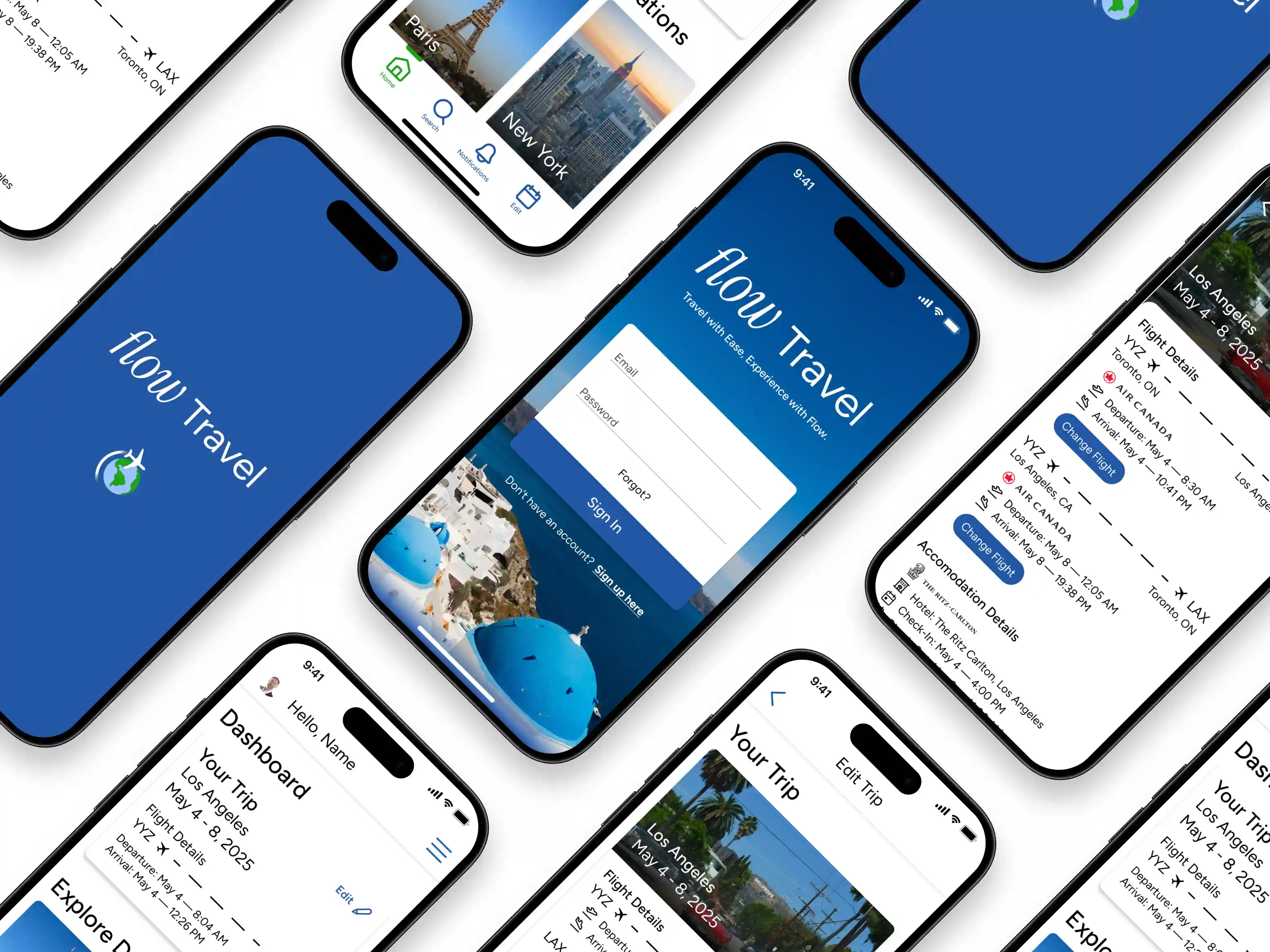
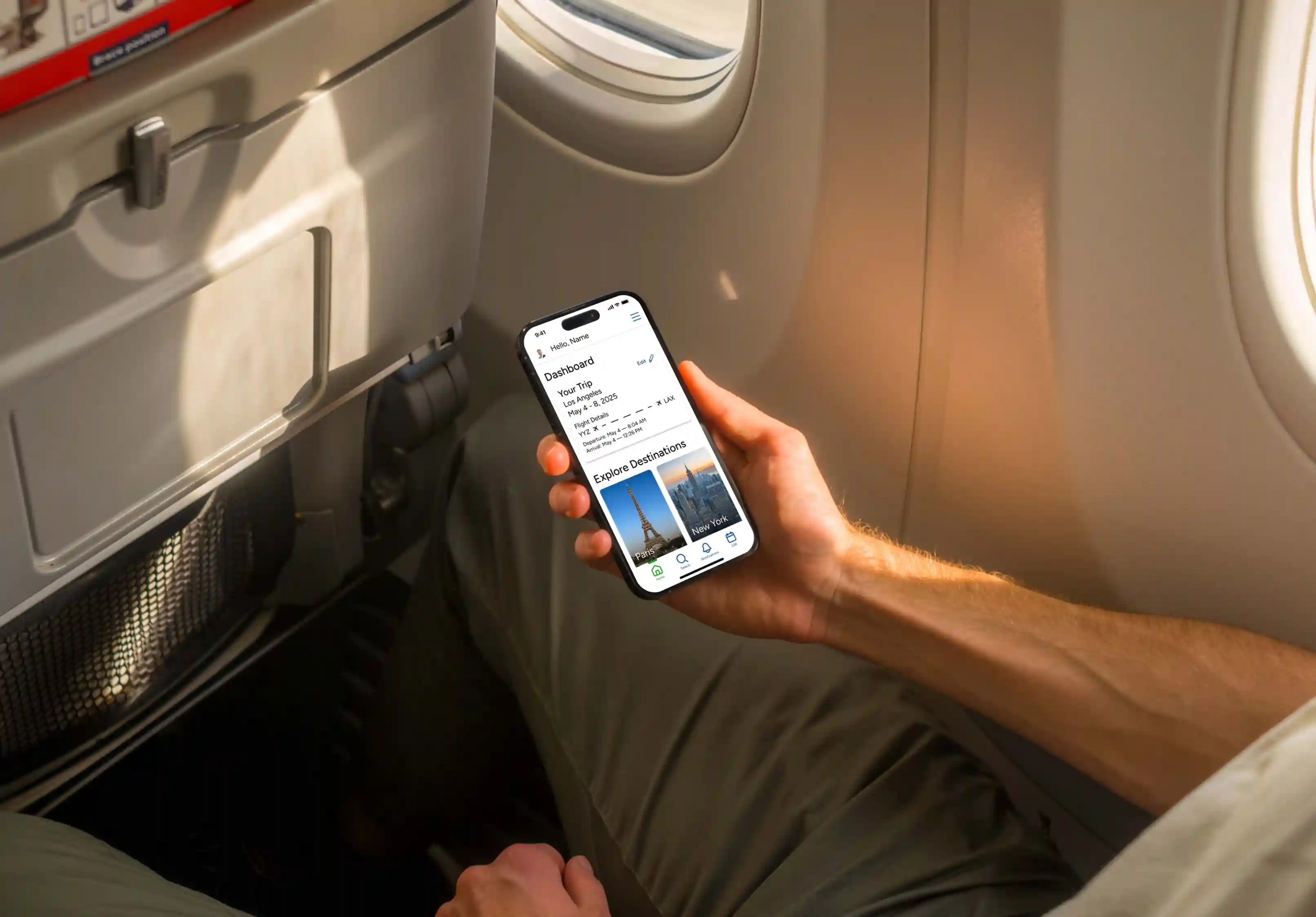
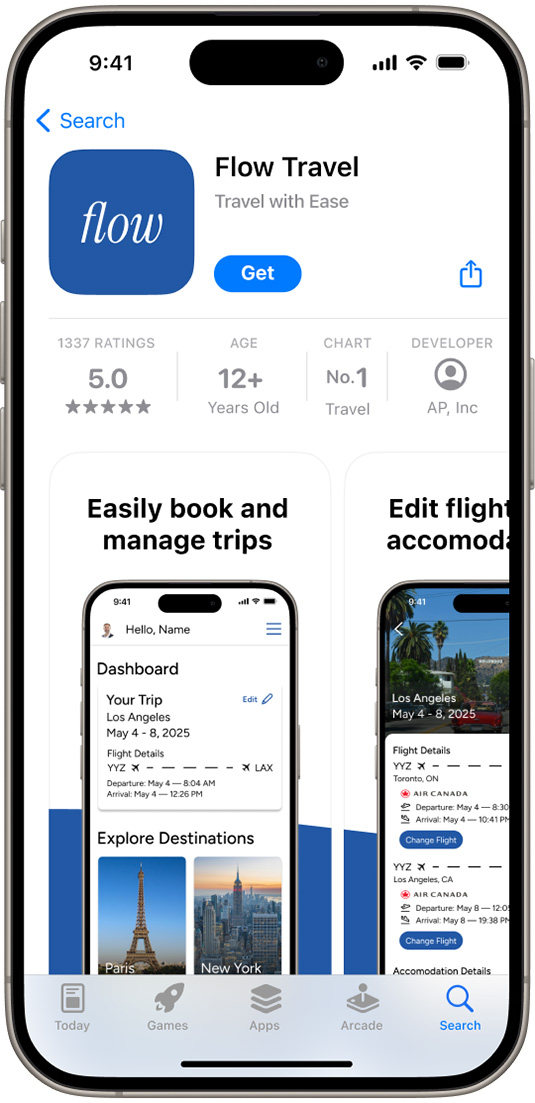
The goal of this project was to develop an app idea/design from scratch while fulfilling a customer's need. I decided to develop a travel app that could help ease the stress and unpredictability that often come with travel.
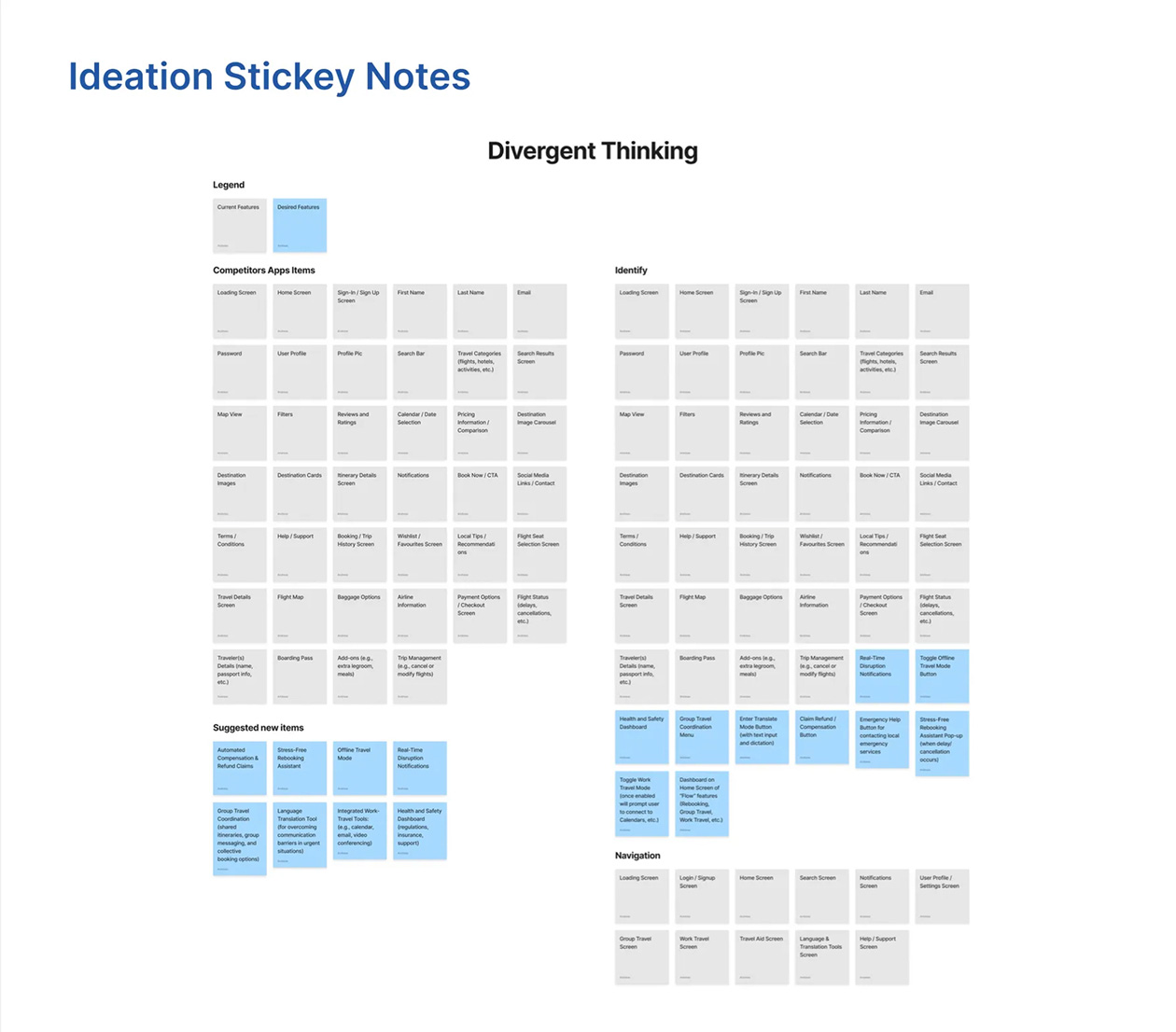
I decided to implement a unique feature that would provide real-time updates and alternative options, all in one app, helping them adapt to changes quickly without the added stress of figuring out solutions on their own.
Additionally, I wanted to implement a feature that would make group travel planning more seamless and allow users traveling with others to edit their itinerary with ease.
For this project I mostly utilized Figma to develop user flows, wireframes, prototypes and various assets for the app design while also using Photoshop to edit photography assets.
The Challenge
The design prompt was to develop an app idea and design said app so it could meet a customer’s need. In this case, I was targeting frequent travelers who are seeking a more seamless and stress free travel experience that allows them to easily adjust their itineraries if cancellations/delays occur.
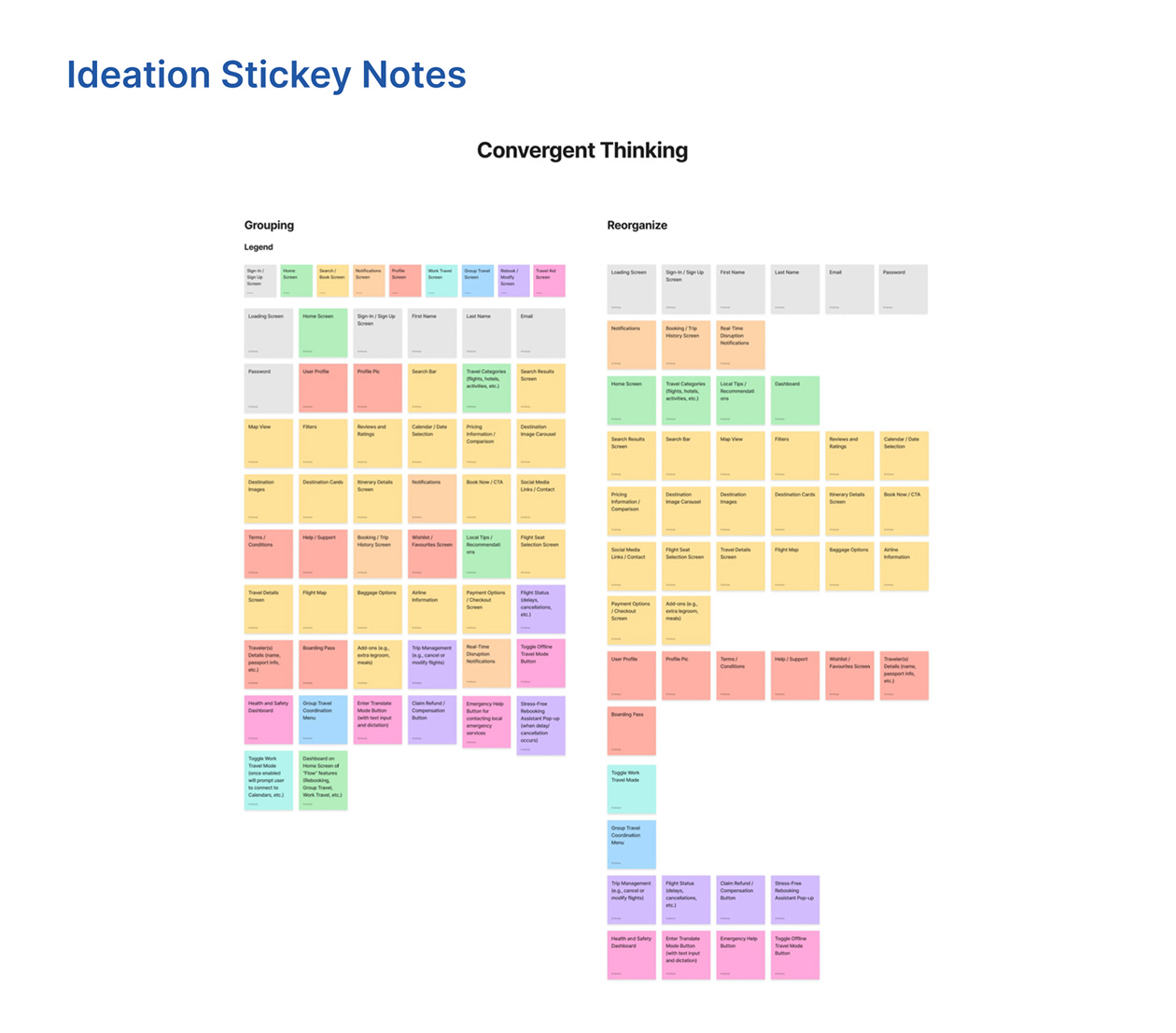
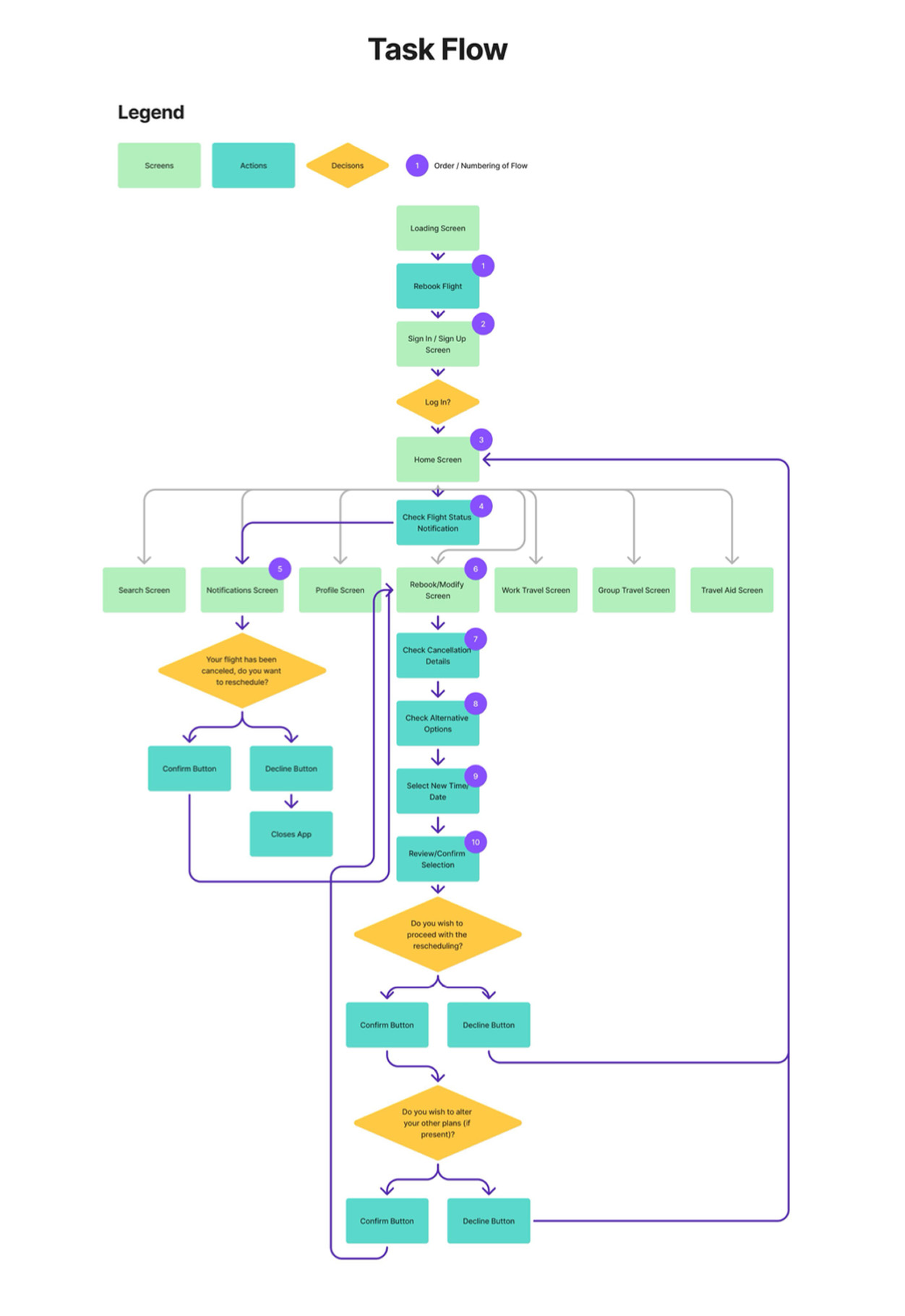
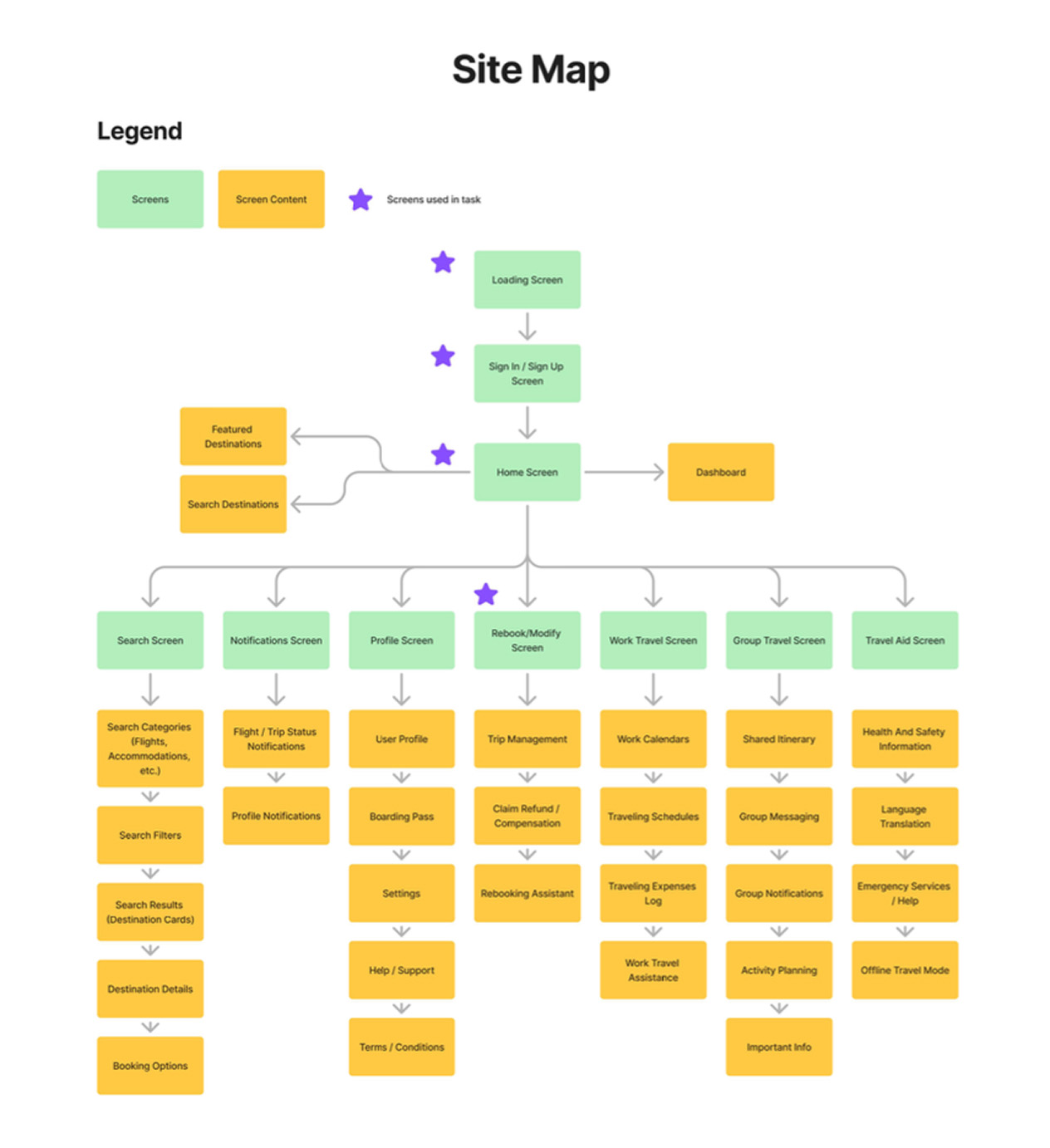
The key goals and requirements of this project was to define business and user goals, conduct a market research analysis, develop user personas, mood boards, information architecture, user flows, wireframes and prototypes.
Process
Final Product
The main challenge of the project was to develop an app idea that would fulfill a customer need while also being innovative in the current app market. Essentially, a product that would help a user solve a problem of theirs. In this case, I decided to base my app concept around the common issues that modern travellers are facing.
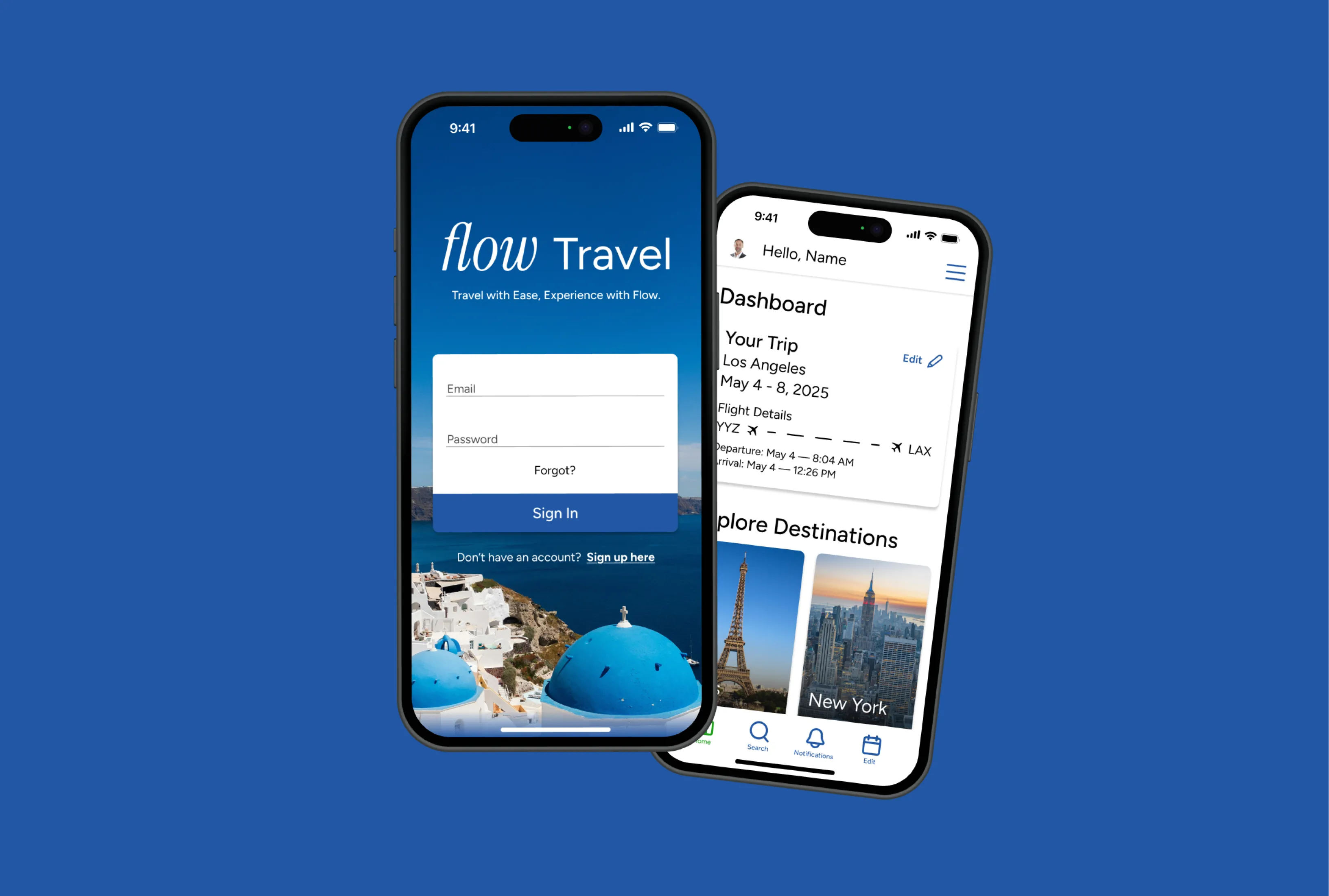
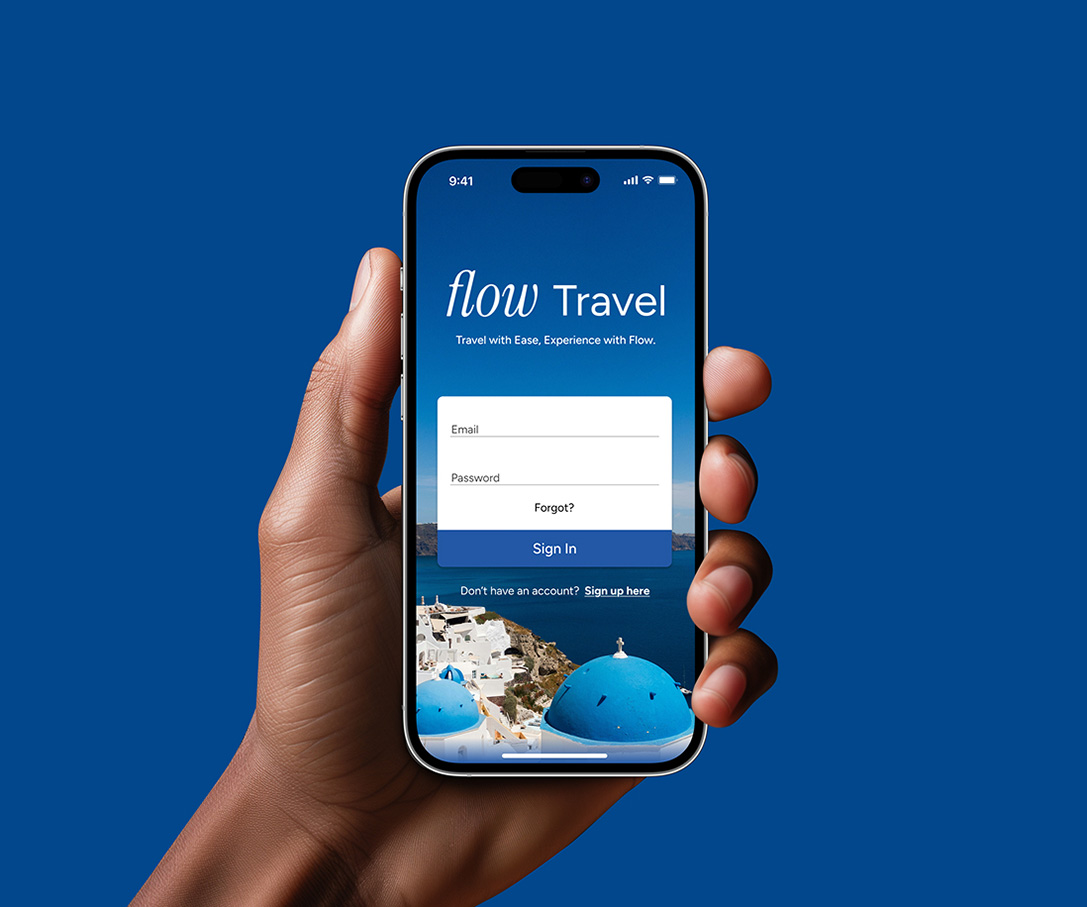
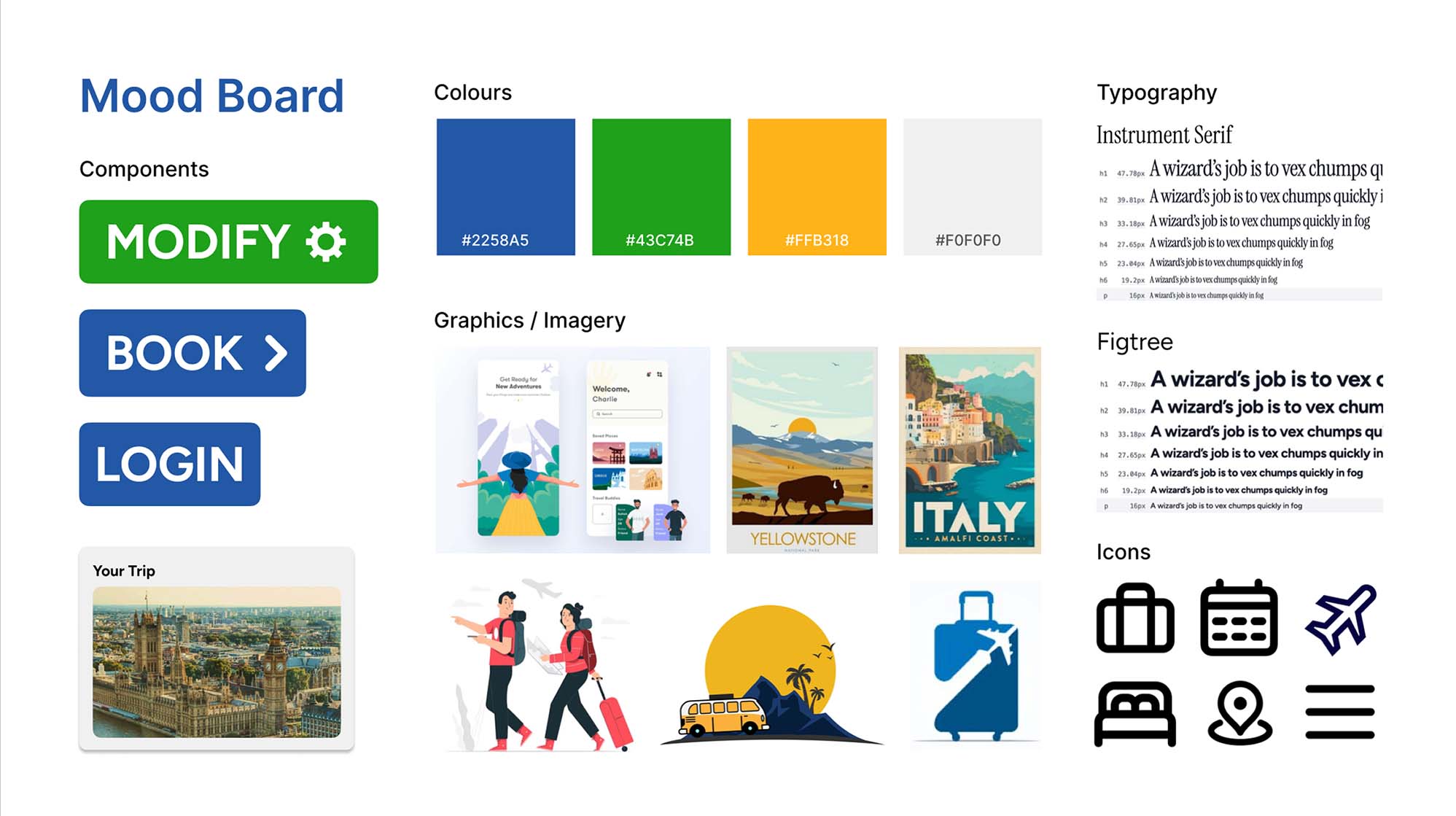
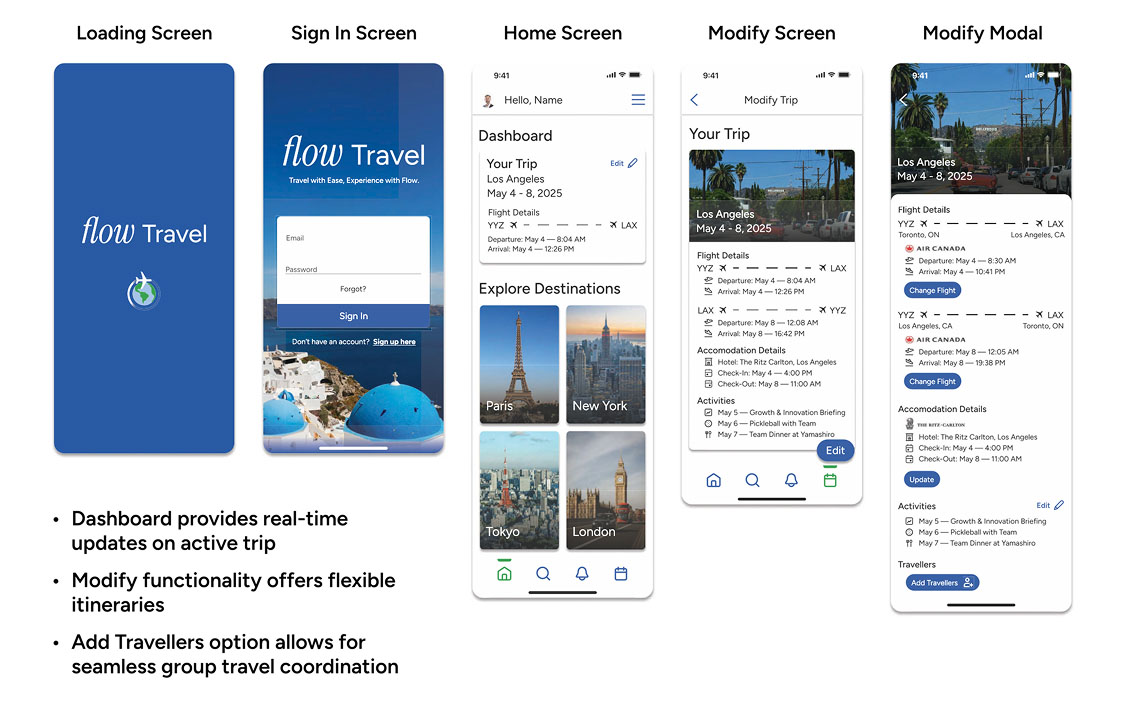
My colour palette of blue and green portrays a calming presence, to promote a more stress-free and sense of ease in the user. In addition, blue and green reflect the colours found in the globe, linking to the worldly, traveling presence that the app has to offer.
In regards to the design of the app, I decided to opt for a simple layout that would ensure accessibility and reduce cognitive friction in the user. I chose a unique typeface to set the word “Flow” in so it has a light, flowy feeling. I also chose sans-serif typefaces throughout to also correspond with the modern, simple and clean design layout.

Outcome
The skills that I strengthened through this project were my user research analysis, user journey mapping, sketching, wireframing and prototyping. Throughout the project, I was given feedback by my instructor and peers via usability testing. At the end stages of the project, I presented the app concept and prototype to my fellow designers for more feedback.